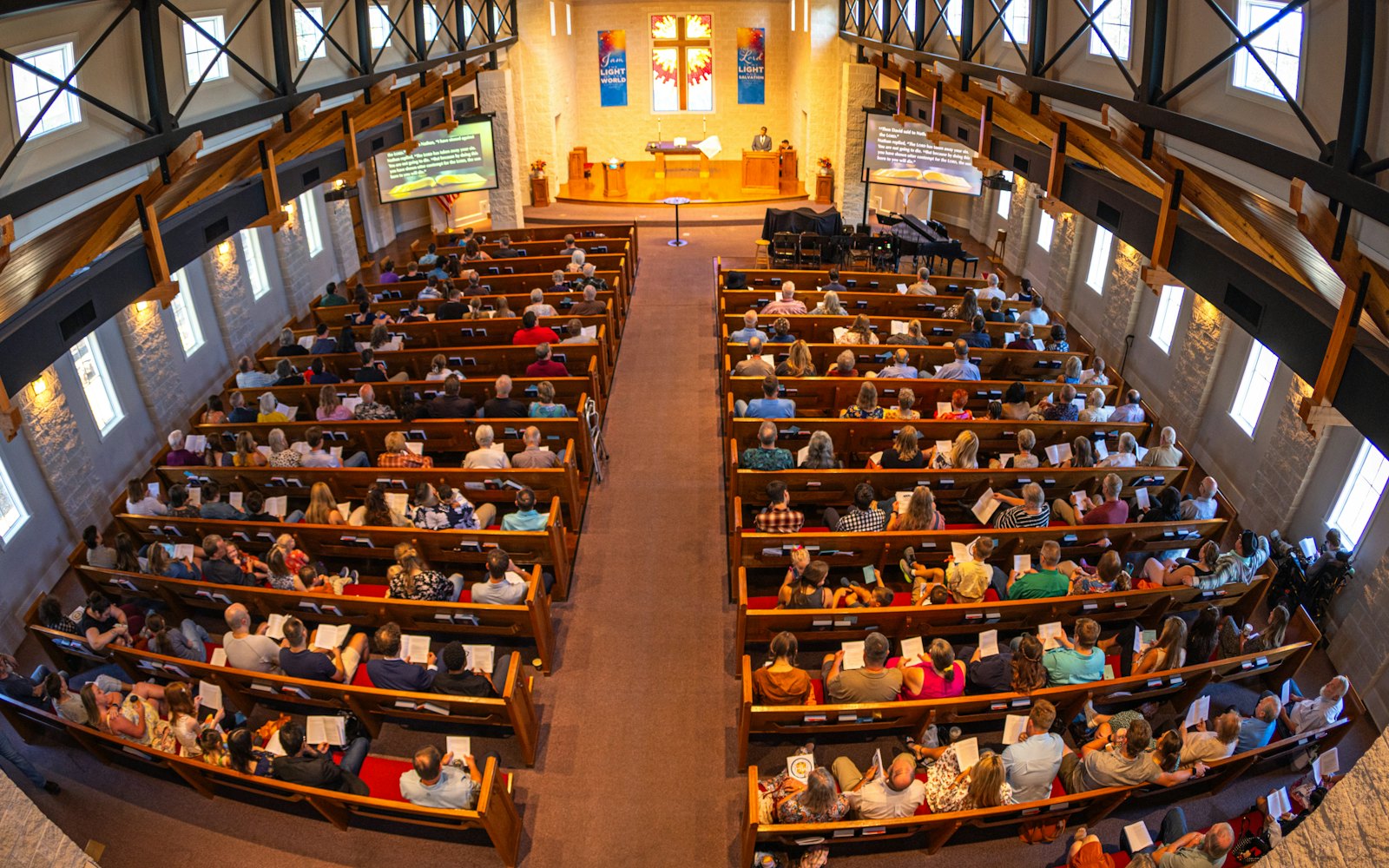
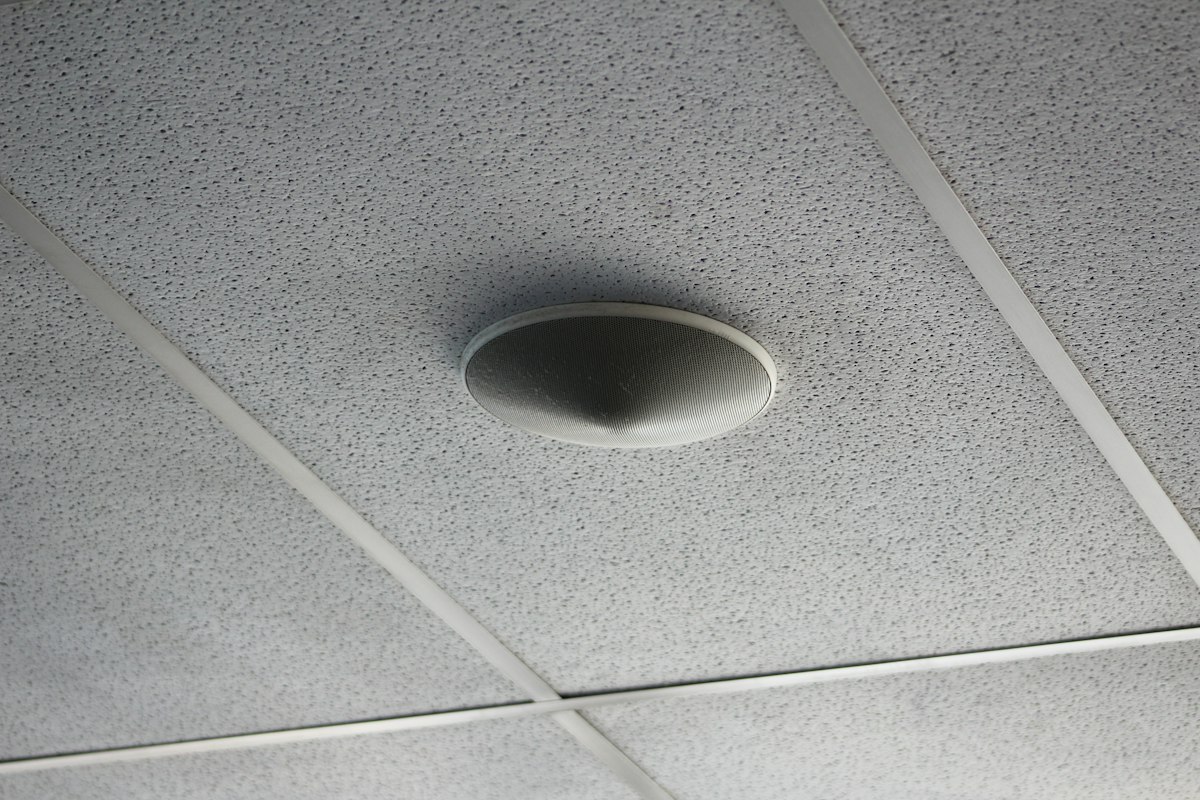
Most of the attention in church audio goes to the sanctuary, and it should. But on any Sunday, some of your people are somewhere else: a parent rocking a baby in the nursery, a greeter in the lobby, a family in the overflow room because the main room filled up, a volunteer in the green room waiting for their cue. For all of them, the service is whatever comes out of a small speaker in the ceiling.
That sound is often an afterthought. Someone ran a cable years ago, it mostly works, and nobody touches it until a guest says they couldn't hear the sermon from the cry room. The good news is that the problems in these rooms are predictable, and most of the fixes live at your mixing console, not in a new purchase.
Why these rooms get neglected
Nobody runs sound in the overflow room. The person at the console is listening to the sanctuary, so if the lobby feed is too quiet, distorted, or humming, they have no way of knowing. Problems only surface when someone walks back to the booth and complains, which usually means it has been wrong for weeks.
The other reason is that these rooms tend to be wired in one at a time as the building grows. The nursery speaker was added during one remodel, the lobby during another, the overflow room when attendance jumped. Each one was hooked up to whatever output was free at the time, and nobody ever sat down and planned them as a system.
The five most common problems
1. The overflow room gets the sanctuary mix
This is the big one. A good sanctuary mix is built around what the room already hears acoustically. The drums are loud on their own, so the engineer barely puts them in the speakers. The acoustic guitar and choir might be the same. In a separate room, all of that acoustic sound is gone, and what's left is a lopsided mix: lots of vocals and bass, very little of everything else. The overflow room feels like it's listening through a wall.
2. The picture and the sound don't line up
If your overflow room has a screen showing a camera feed, you have probably seen the pastor's lips move a beat after you hear the words. Video takes time to pass through cameras, switchers, and displays, while audio gets there almost instantly. Your brain notices the mismatch even if nobody can put a name to it, and it makes the whole room feel off.
3. It's fed from the livestream
Some churches solve the overflow room by pulling up the livestream on a TV. It's easy, but an internet stream can be many seconds behind what's happening in the building. The overflow room ends up standing for worship after everyone else, or missing the start of a prayer. If the stream has a hiccup, the room loses the service entirely. (If the stream itself sounds rough, our guide on why church livestream audio sounds bad covers that separately.)
4. Hum, buzz, and hiss
Long cable runs to the far end of a building pick up noise, especially if they're unbalanced cables or share a path with power lines and lighting. A low hum that gets louder when you turn the speaker up is usually a ground loop, which happens when the two ends of a cable are plugged into different electrical circuits. Hiss usually means the signal is being sent too quietly and then turned up a lot at the other end.
5. One volume for every room
The nursery wants the sermon soft enough that a sleeping baby stays asleep. The lobby wants enough to follow along but not so much that greeters have to shout. The overflow room wants to feel like the sanctuary. If all three are fed from one output with one volume, at least two of those rooms are wrong every single week.
The quick diagnosis: if the overflow room sounds thin, or like the band is missing, it's getting the sanctuary mix. If people say it feels "weird" and there's a screen, check the lip sync. If it's always behind the main room, it's coming from the stream. If there's a steady hum, look at the cabling. If one room is always too loud and another too quiet, you need separate volume controls.
How to fix it, room by room
Give each room its own output
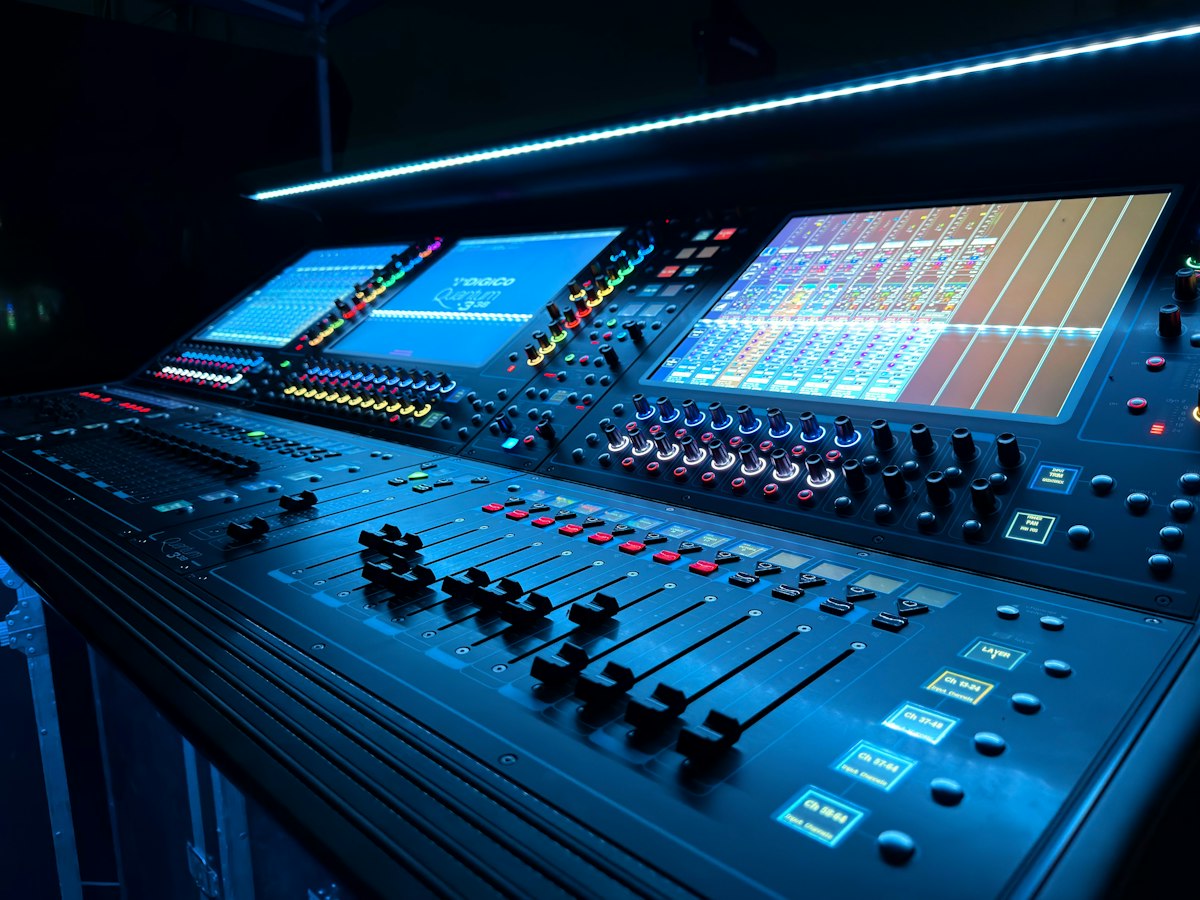
Most digital consoles have spare outputs called aux sends, matrix outputs, or buses. Assign one to each room, or at least one to the overflow room and one shared by the lobby and nursery. Now each room can have its own mix and its own level, and changing one doesn't affect the others or the sanctuary.
Build the overflow mix for the overflow room
Start from your main mix and add back what the sanctuary hears for free: the drums, the acoustic instruments, the choir, the room's natural energy. A single ambience microphone pointed at the congregation, mixed in quietly, helps the overflow room feel like it's part of the service rather than watching a recording. Then walk back there during rehearsal and actually listen. Five minutes in the room will teach you more than any meter.
Keep the lobby and nursery mostly spoken word
For these rooms, the goal is to follow the service, not to experience the full worship set. A mix that's mostly the pastor's microphone and lead vocal, with just a little of the band, is easier to understand at low volume and less tiring for the people who spend the whole morning there. Many churches also mute the lobby during the music and bring it up for the sermon and announcements.
Delay the audio to match the video
Most digital consoles let you add delay to an output. Put a screen in the overflow room on the camera feed, have someone speak clearly on the platform, and slowly add delay to the overflow output until the words line up with the lips. Write the number down. If you change cameras, switchers, or screens later, check it again.
Fix the lobby echo
If the lobby is right outside the sanctuary doors, people out there hear two versions of the service: the lobby speaker, and the sound leaking through the doors a moment later. Sound travels roughly a foot per millisecond, so a speaker that's sixty feet from the stage is about sixty milliseconds ahead of the leakage. Adding that much delay to the lobby output lines the two up, and the echo turns into one clear sound.
Put a volume knob where people can reach it
A simple wall volume control in the nursery and lobby lets the people in those rooms set what they need without walking to the booth. Set the maximum at the console so the knob can't be cranked into distortion, and label it so the next volunteer knows what it does.
Clean up the cabling
Use balanced connections for long runs, keep audio cables away from power and lighting circuits where you can, and send a healthy signal level from the console rather than a quiet one that gets boosted at the far end. If you hear hum that changes when you unplug something, an inexpensive audio isolation transformer on that line will often cure it. If your church already has a digital audio network, sending these rooms over it avoids the long analog runs entirely.
Pro tip: save the overflow, lobby, and nursery mixes as part of your console's Sunday scene. That way every volunteer starts from the same settings, and nobody accidentally leaves the nursery muted after a special event.
A simple checklist for every room
- Each room has its own console output and its own level.
- The overflow room has a mix built for it, not a copy of the sanctuary.
- The lobby and nursery are mostly spoken word at a comfortable level.
- Rooms with screens have audio delay set to match the video.
- No room is fed from the internet livestream.
- Long runs are balanced and free of hum.
- Nursery and lobby have a local volume control.
- Someone walks every room during rehearsal.
Common questions
Can we just send the overflow room the same mix as the sanctuary?
You can, but it usually sounds thin. The sanctuary mix only adds what the room can't already hear on its own, so quiet instruments and voices go missing once that mix is played in a separate room. A dedicated output built for the overflow speakers fixes this.
Why is the sound in our overflow room out of sync with the video?
Video almost always takes longer to process than audio. Cameras, switchers, encoders, and displays each add a little delay, so the sound arrives before the picture. Add a matching delay to the overflow output on your console, adjusted by eye until the lips and words line up.
Should we feed the overflow room from our livestream?
Usually not. An internet stream can run many seconds behind the live service, which makes the room feel disconnected and causes trouble during communion, offering, and response times. A direct feed from the building's own system keeps the overflow room in step with the sanctuary.
When to bring in help
If your console has free outputs and the cabling is already in place, a volunteer can work through most of this in an afternoon. It gets harder when rooms were wired years apart with no documentation, when there's no spare output, or when you're adding an overflow space during a remodel. In those cases it's worth having someone plan the rooms together once, so each one has a clear signal path and your team knows how it all connects.
Want every room in your building to sound like it belongs to the same service? CalvinSunday Studios plans and installs church sound systems, including overflow, lobby, and nursery audio, and trains your volunteers to run them. See how our church sound system installation process works, or read our church audio overview for churches in Shasta County and across Northern California.